THE COMPLETE GUIDE
How to make an ATS-friendly résumé in 2026
Everything applicant tracking systems do to your résumé, why they reject good candidates, and a step-by-step checklist for India and abroad, including freshers.
What an ATS actually does
An applicant tracking system turns your résumé file into plain text, splits it into sections (contact details, experience, education, skills), stores it in a database and lets recruiters search and rank candidates by keywords. Workday, Taleo, iCIMS, SuccessFactors, Greenhouse, Lever and Zoho Recruit all work this way, and so do the parsers behind job portals such as Naukri and LinkedIn.
None of that process looks at your design. If the conversion to text scrambles your layout, the recruiter's search never finds you.
The 9 things that make an ATS reject good résumés
- Tables. Most parsers read tables row by row, gluing neighbouring cells together.
- Text boxes. Many ATS skip them entirely, so anything inside is invisible.
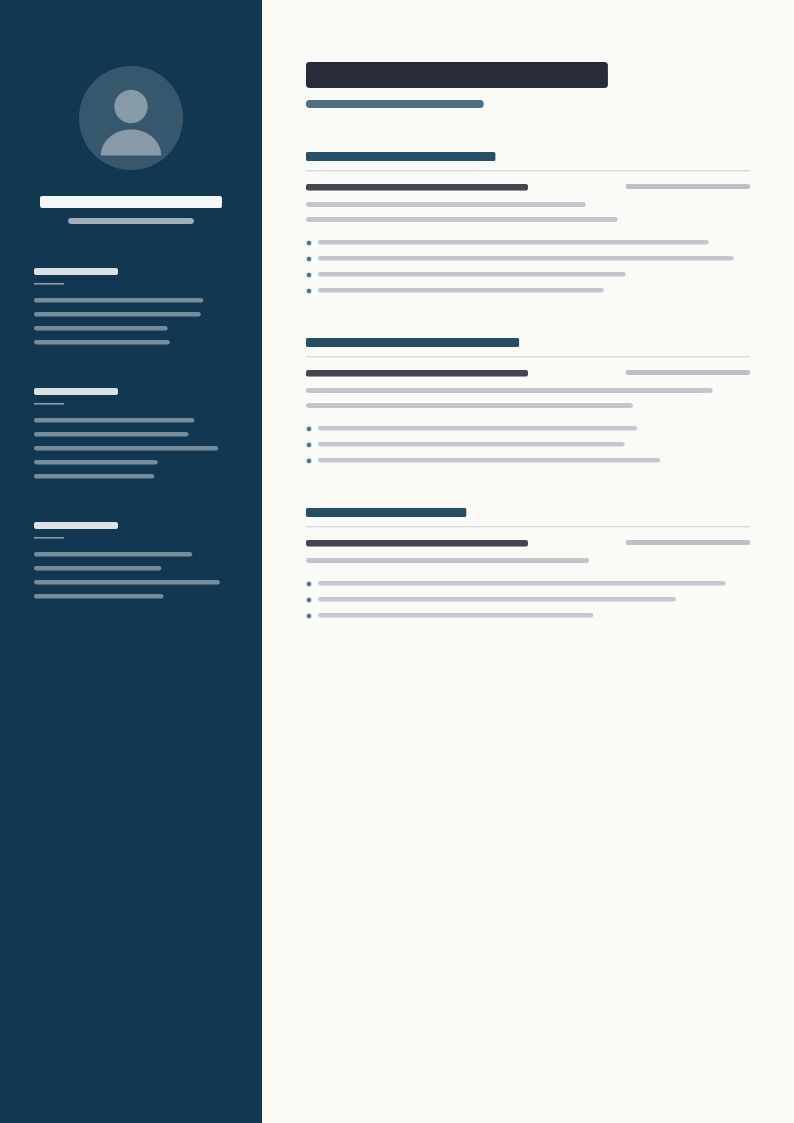
- Two-column layouts. The robot reads straight across, mixing your sidebar into your job history.
- Contact details in the header or footer. Several systems ignore headers and footers.
- Icons and symbol fonts. Phone and email icons turn into unreadable characters.
- Scanned or image-only PDFs. To the ATS, the page is blank.
- Creative section titles. "My Journey" is not searched; "Work Experience" is.
- Missing keywords. If you never write the tool name the employer searches for, you do not appear.
- Personal details. Date of birth, marital status and photos are not expected by modern employers in India and can trigger filters abroad.
Step-by-step ATS-friendly résumé checklist
- Use one column and a clean, text-based template.
- Put your name, phone, email, city and LinkedIn in the first lines of the page body.
- Use standard headings: Summary, Work Experience, Education, Skills, Projects, Certifications.
- Write 2 to 3 summary lines with your target job title and top skills.
- Start each bullet with an action verb and add a number: people, money, time or percentage.
- Use the exact skill names from the job description where they are true for you.
- Save from Word or Google Docs as PDF or .docx, never as an image.
- Check it with an ATS checker and fix anything the robot view shows jumbled.
ATS résumé format for freshers
Freshers should lead with Education, then Projects and Internships (using those exact headings), then Skills. Quantify academic and project work too: "Built a Python app used by 300 students" beats "Made a project in Python". Keep it to one page and replace the career objective with a two-line summary.
ATS résumé tips for Naukri and LinkedIn
Upload the same ATS-friendly file to Naukri and LinkedIn that you send to companies, keep your headline aligned with your résumé summary, and repeat your core skills in both places using the same words. Recruiters search both platforms with the same keywords they use in their ATS.
Frequently asked questions
What is an ATS-friendly résumé?
A résumé that applicant tracking software can convert to text without losing or mixing up information, with standard headings and the keywords recruiters search for.
Is PDF or Word better for ATS?
Both work when they contain real text. A text-based PDF keeps your layout; .docx is safest for older systems. Never upload a scanned image.
Can Canva résumés pass ATS?
Many Canva designs use text boxes and columns that ATS mis-read. Use a template built for ATS, then check it with a free ATS checker.
How do I check if my résumé is ATS-friendly?
Upload it to the free AI ATS checker at resumetica.com/ats-checker. It shows the exact text an ATS extracts, your score out of 100 and what to fix.
Skip the formatting work
Every Resumetica template is built and tested to parse cleanly in ATS, with a Skills block designed for keywords. 200+ designs with matching cover letters, for Word, Google Docs and Canva.